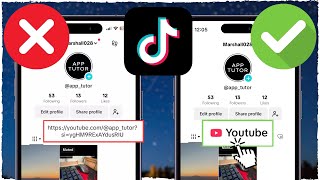
How To Add Link In TikTok Bio
TikTok has become one of the fastest growing social platforms, and many creators want to direct followers to external content—such as a personal website, a YouTube channel, or a product page. Adding a link in your TikTok bio is a simple way to drive traffic, but the process isn’t immediately obvious to everyone. In this guide you’ll find out exactly how to add a link in your TikTok bio and learn how to make the most of it.
Why Adding a Link Matters
For creators, influencers, and businesses, a bio link is a valuable asset. It can:
- Redirect viewers to a landing page.
- Promote a new product or campaign.
- Showcase a portfolio or resume.
- Grow your email list or newsletter sign‑ups.
Because TikTok’s bio space is limited, a single clickable link is often the most efficient way to keep your audience engaged and guide them to your next step.
Step‑by‑Step: How To Add a Link In TikTok Bio
Follow these easy steps to add a link to your profile. The process works for both Android and iOS devices.
- Open the TikTok app. Make sure you’re logged into the account where you want to add the link.
- Go to your profile. Tap the Me icon in the bottom right corner.
- Tap Edit profile. This button is located just below your username.
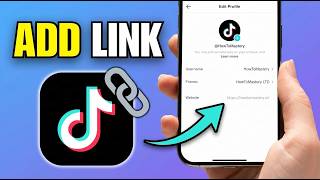
- Find the Website field. In the profile editor, you’ll see a section labeled “Website.” This is where you can paste your link.
- Enter your URL. Make sure the link is complete, including “https://” or “http://,” so TikTok recognizes it as a valid web address.
- Save your changes. Tap the checkmark or Save button in the top right corner. Your new link will now appear under your bio text.
That’s it! You’ve successfully added a clickable link to your TikTok bio.
Tips For Maximizing Your Bio Link
Adding a link is just the first step. To get the most out of it, consider the following best practices:
- Use a URL shortener. Services like Bitly or TinyURL help keep your link short and track clicks.
- Update regularly. If you’re promoting a new campaign, change the link to keep your audience informed.
- Include a call‑to‑action (CTA). A short phrase like “Check out my new merch!” encourages clicks.
- Leverage link‑tree services. Tools such as Link





![How to Add Link in TikTok Bio! [Clickable]](https://i.ytimg.com/vi/1VKFDLqeoxw/mqdefault.jpg)